Inside My Dream Life OS: 5 AI Systems Running My Life
Nyaradzo
July 13, 2026
Most people think a dream life is about willpower or luck. It is not. It is about systems.
I run my entire life on five operating systems. Not metaphorical ones. Real stacks of tools that handle the thinking, the building, the money, and the growth so I can focus on the things that actually matter to me.
These are the same systems that help me learn faster, build quicker, make more money, and protect my peace. And the best part? You can steal all of them.
1. The Building OS: Ship Disgustingly Good Ideas
You do not need permission to build. You need a system that helps you move faster.
This is the stack I use for building MVPs, websites, prototypes, and digital products. If it exists on the internet, I probably used one of these tools to ship it.
Codex is for coding faster and fixing bugs without getting stuck. When I hit a wall on a feature or cannot figure out why something is broken, Codex gets me unstuck in minutes instead of hours.
Replit is for building and testing ideas quickly in your browser. No setup, no environment configuration, no waiting. You open it, write code, and see results immediately. It is perfect for prototyping something before you commit to building it properly.
Lovable + Figma is the combo for turning rough ideas into clean products and UI. Figma handles the design side. Lovable turns those designs into working products. Together they close the gap between "I have an idea" and "here is a thing people can actually use."
2. The Operations OS: Become Disgustingly Free
This system protects my energy, time, and brain space. If the Building OS is about shipping, the Operations OS is about not burning out while you do it.
I use these for planning, automation, weekly resets, and running life like a startup.
Notion is my second brain and life dashboard. Everything lives here. My goals, my content calendar, my business metrics, my personal trackers. If it is important, it is in Notion.
Motion is for AI-powered planning. Instead of manually blocking time on my calendar and playing Tetris with my schedule, I let Motion think through the timeline for me. It reprioritizes when things shift. It is like having a chief of staff in your pocket.
Zapier and Make are for automations running in the background. When a new subscriber signs up, when a payment comes through, when a form gets submitted. These tools connect everything so I am not the bottleneck. Things happen automatically whether I am at my desk or not.
Granola is so my meetings stop eating my focus. It captures what was said, pulls out the action items, and gives me back the mental bandwidth I used to lose trying to take notes and participate at the same time.
3. The Learning OS: Become Disgustingly Skilled
This system turns information into real skills fast. Not "I watched a 4-hour YouTube video" learning. Actual skill acquisition you can use the next day.
I use these for learning, summarizing, study plans, and practice projects.
Claude is for explaining hard topics, testing my understanding, and filling gaps fast. When I am studying something dense, I paste in the material and ask Claude to break it down, quiz me, or find the holes in my understanding. It is like having a private tutor on call 24/7.
Perplexity + ElevenReader is for research rabbit holes, better answers, and learning on the go. Perplexity gives me sourced, accurate answers instead of generic search results. ElevenReader lets me listen to articles and papers while I am commuting or working out so I never waste dead time.
NotebookLM is for turning notes, PDFs, and videos into study material. You upload your sources and it creates summaries, study guides, and even audio overviews. It takes the raw inputs and turns them into something you can actually retain.
4. The Money OS: Become Disgustingly in Control
A dream life gets expensive when your money is messy. This system handles budgeting, tracking, planning, and reducing waste so I can spend confidently without the anxiety.
Mercury is for organized accounts so money feels less chaotic. I use separate accounts for different purposes. Operating expenses, taxes, savings, investment funds. When money lands in my account, it gets sorted immediately. No guessing.
QuickBooks is for bookkeeping, cash flow, invoices, and keeping the numbers clean. I used to track money in spreadsheets. It was fine until it was not. QuickBooks gives me real-time visibility into what is coming in, what is going out, and what I owe.
Privacy.com is for controlling subscriptions and stopping silent overspending. Every subscription gets its own virtual card with a spending limit. If something tries to charge more than expected, it gets declined. No more surprise charges from tools you forgot you signed up for.
5. The Creator OS: Make Disgusting Amounts of Income From What You Know
This is the system I use to turn expertise into content, offers, and leverage. If you know things that other people want to learn, this stack helps you package and distribute that knowledge at scale.
I use these for posts, products, funnels, and audience growth.
Canva is for quick, clean designs for posts and products. I do not have a full-time designer. I do not need one. Canva lets me create professional-looking content in minutes. Social posts, ebook covers, slide decks, product mockups.
Manychat is for turning content attention into leads with automated DMs and follow-up. When someone comments on a post or sends a keyword, Manychat handles the response, delivers the resource, and follows up automatically. It turns engagement into actual business conversations without me being glued to my phone.
Claude is for writing content, emails, and ideas in my voice. I trained it on my tone and style. Now when I need to draft an email, write a caption, or brainstorm a product launch, it gives me output that actually sounds like me. Not generic AI copy. Real ideas in my real voice.
The Dream Life OS in Action
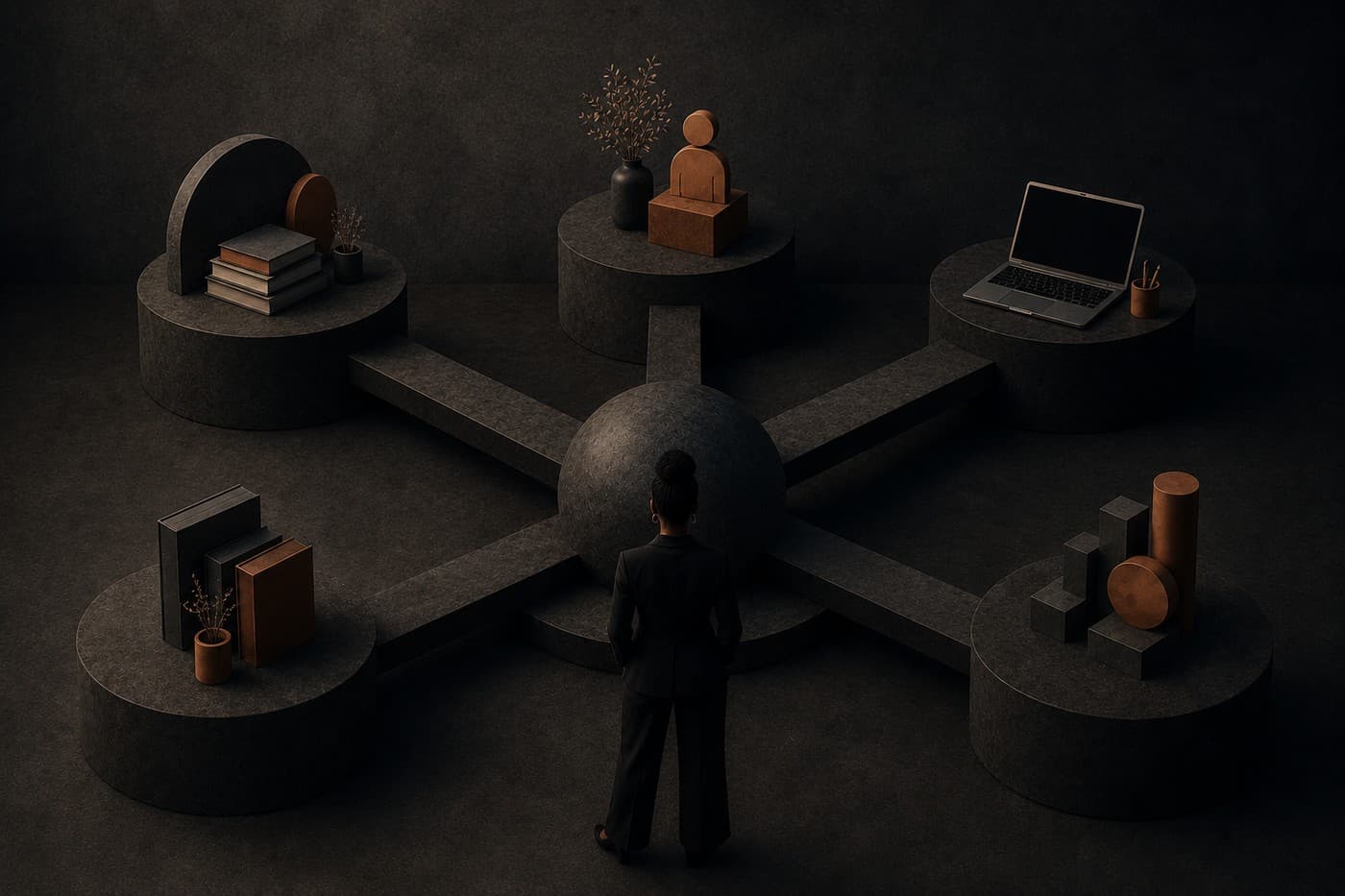
These five systems work together. The Learning OS makes me better. The Building OS lets me ship what I learn. The Creator OS turns it into income. The Money OS keeps that income organized. And the Operations OS makes sure none of it eats my life.
You do not need all of these on day one. Pick the system where you feel the most friction right now and start there. If your money is messy, start with the Money OS. If you have ideas but never ship, start with the Building OS. If you are consuming information but not retaining it, start with the Learning OS.
The point is not to use every tool on this list. The point is to build systems that let you stop doing everything manually so you can focus on the things that actually move your life forward.