The Data Pipeline Behind My $60K/Month Life
Nyaradzo
August 4, 2026
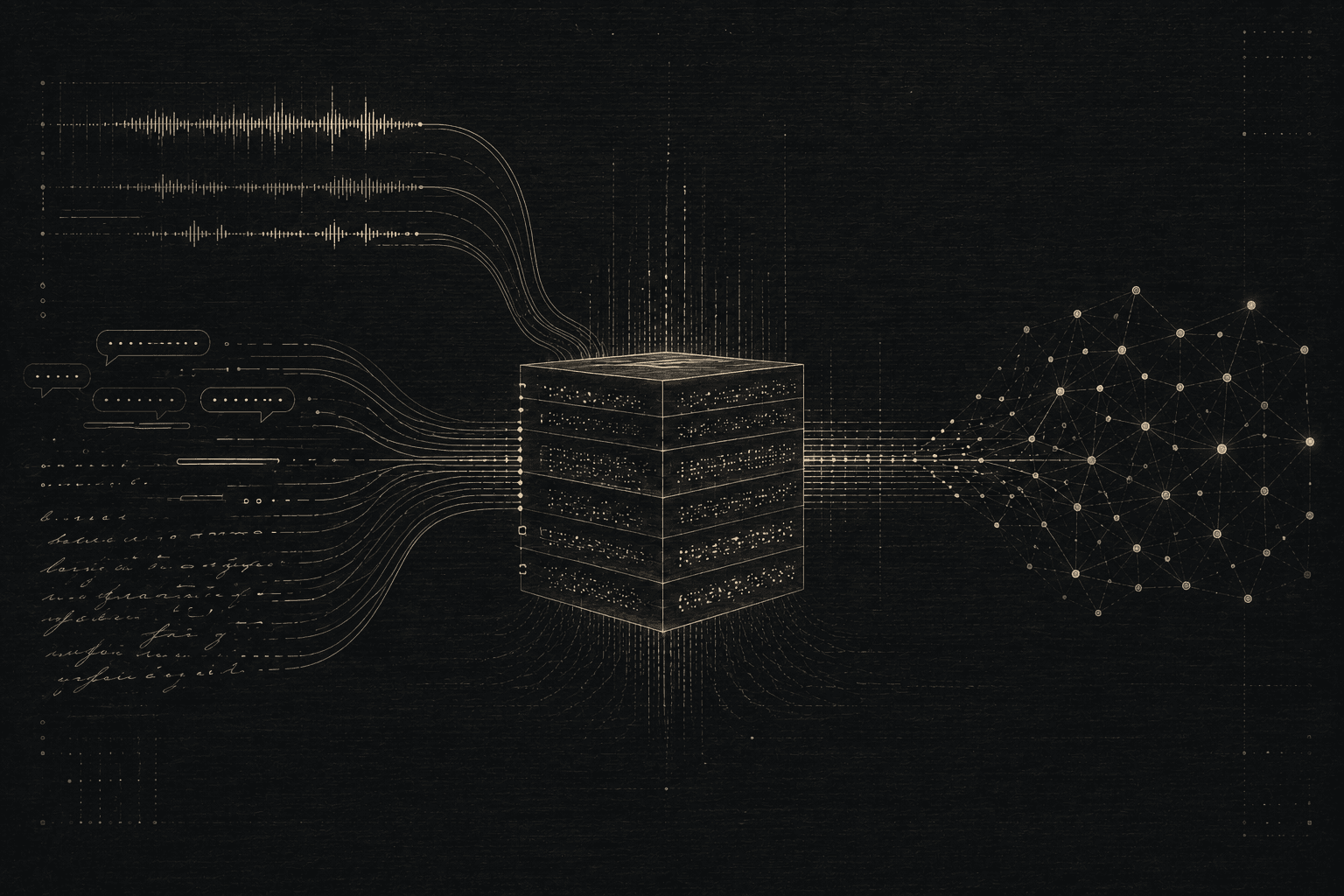
The DATA breakdown. Everything I promised in the video, turned into a tutorial you can actually follow.
I earn $60,000 a month running my life like a startup. An AI startup, to be specific. And every AI startup runs on one thing: data.
So I stopped journaling and started generating data I use to scale myself. Here's exactly how to set up the same system, step by step.
What you'll need
- Obsidian (free). Your data warehouse. https://obsidian.md
- Granola. Your call recorder/transcriber. https://granola.ai
- Whisperflow. Your voice-to-text collector. https://whisperflow.com
- Claude (free or paid, either works to start). Your data analyst. https://claude.ai
- 15 to 20 minutes to set everything up
You do not need to code to do the manual version of this. If you want the fully hands-off nightly automation, you'll need slightly more setup time (covered in Step 6).
Step 1: Set up your Obsidian vault
- Download and open Obsidian, then create a new vault. Think of this as your personal database.
- Inside your vault, create a folder called Daily Notes.
- Turn on Obsidian's built-in Daily Notes plugin (Settings, then Core Plugins, then Daily Notes, then enable) and set the folder to the one you just created. This will auto-generate a new note titled with the date every time you open Obsidian.
- Also create five more folders at the top level of your vault, one for each category: Business, Lifestyle, Health, Mental Clarity, Decisions. This is where your sorted data will eventually live. Adjust the category names to whatever actually matters in your life.
Step 2: Capture voice notes to friends
- Every time you send a voice note to a friend (iMessage, WhatsApp, whatever you use), get a transcript of it. Many messaging apps auto-transcribe voice messages now. Check your settings. If yours doesn't, run the voice note through Whisperflow or your Notes app's built-in transcription.
- Open today's Daily Note in Obsidian and paste the transcript in under a simple heading, like ## Voice Notes.
- Do this in the moment, right after you send the voice note. It takes 10 seconds and means you never have to remember to do it later.
Step 3: Set up Granola for calls
- Install Granola and connect it to your calendar/calling app so it can auto-join and record calls.
- Let it run in the background on every call. You don't need to think about it.
- After any call that touches something you want tracked (business, health, a big decision, anything meaningful), open Granola, copy the transcript or summary, and paste it into that day's Daily Note under a heading like ## Calls.
- Skip this step for calls that are just casual catch-ups with nothing worth tracking. This system works because you're selective, not because you log everything.
Step 4: Set up Whisperflow for your end-of-day brain dump
- Install Whisperflow on your phone or laptop.
- Every evening, open it and talk through your day out loud for 2 to 5 minutes. Wins, frustrations, decisions, random thoughts. Don't overthink it, just talk.
- Copy the resulting transcript into that day's Daily Note under a heading like ## Brain Dump.
- Try to do this at roughly the same time every night (I do it right before bed) so it becomes automatic instead of something you have to remember.
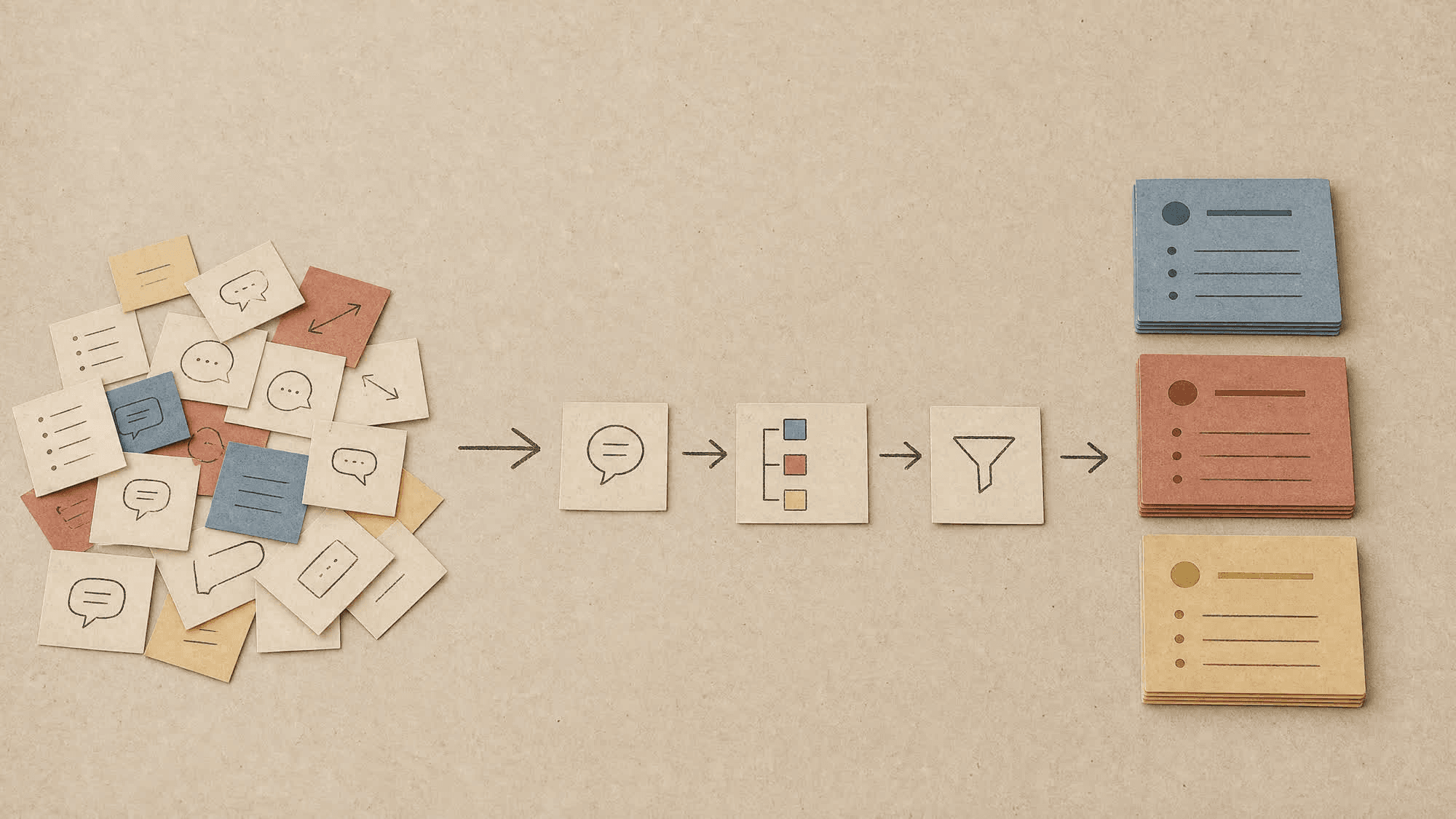
By the end of the day, your Daily Note should have three sections (Voice Notes, Calls, and Brain Dump) all pasted into one place. That's your raw data for the day.
Step 5: Get the Claude sorting prompt ready
This is the prompt that turns your messy daily note into an organized, categorized archive. Save this somewhere handy (a Claude Project, a note, anywhere you can copy it from daily):
You are sorting a personal daily note into categories for a personal knowledge system.

Here is the raw daily note from [DATE]:

[PASTE DAILY NOTE CONTENT]

Read through the note and extract every distinct entry, then sort each one into exactly one of these categories:
- Business
- Lifestyle
- Health
- Mental Clarity
- Decisions

For each entry, output it in this format:
### [DATE]
[the relevant excerpt, lightly cleaned up for readability but preserving the original voice and detail]

Group your output by category, using a header for each category that contains at least one entry.
Swap the five categories for whatever matters to you.
Step 6: Turn it into an automation (pick your level)
Option A: Manual, but fast (start here).
Every morning, open Claude, paste in yesterday's Daily Note plus the prompt above, and copy each category's output into the matching folder as a new note (e.g. Business/2026-08-04.md). This takes about two minutes and gets you 90% of the benefit while you get used to the habit of capturing.
Option B: Light-code, hands-off (what I use).
Set up a scheduled script that runs automatically overnight:
- The script reads yesterday's file from your Obsidian vault's Daily Notes folder.
- It sends that content to the Claude API along with the sorting prompt above.
- It writes Claude's output into the matching category folders, one dated file per category per day.
- Schedule the script to run nightly using cron (Mac/Linux) or Task Scheduler (Windows). I run mine at 3am so it's done before I wake up.
If you're comfortable with basic scripting (or want to have Claude write the script for you), this is the version worth building toward. Ask Claude directly:
Write me a Python script that reads a markdown file, sends it to the Claude API with this prompt, and saves the response into folders.Then provide the sorting prompt above.
Option C: No-code automation.
Use a tool like Make.com or Zapier (https://bit.ly/4hzpinh) with a nightly scheduled trigger connected to the Claude/Anthropic API step. This is a good middle ground if you want automation without writing a script yourself.
Step 7: Test and adjust
- Run the process (manually or automated) for your first day and check the output. Are the categories right? Is anything getting miscategorized or lost?
- Adjust your five categories if they don't quite match how you actually think about your life.
- Give it a full week before judging whether it's working. The value of this system compounds as the archive builds up, not from a single day of notes.
What you'll have after one week
- A fully captured, dated record of your voice notes, meaningful calls, and daily reflections
- All of it automatically sorted into categories that matter to you
- Zero extra mental effort beyond the few minutes a day it takes to capture
This is the data layer my life, and my business decisions, actually run on.